How to Run AI on Data That Isn't Allowed to Move
The data that would make AI useful is almost always the data you can't move.
I've seen this play out enough times that I can predict the meeting. The AI team has a model, a budget, and a use case. The data team knows exactly which dataset would make it work. Then someone from risk points out that the dataset sits under a residency rule, or inside a security boundary, or at a scale where copying it costs more than the whole project. Everyone nods, and the project shrinks to whatever data happens to be convenient.
IDC's Data Age 2025 puts a number on it: less than 10% of enterprise data is reachable by AI today. That's not a model problem. Models are fine. It's an access problem.
The default fix is a copy. Pull the data into a lakehouse, a vector store, or a cloud region next to the GPUs. I understand why. It's the path of least resistance, and it works for a demo. But every copy you make brings three new problems with it: one more thing to secure, one more residency question to answer, and one more pipeline that breaks the next time your systems change. A year in, teams are spending more time maintaining copies than doing anything with them.
So before an AI project touches sensitive data, the risk team asks three questions. They're the right questions:
- Where does the data live?
- How does AI reach it without copying it?
- Who changed what, and can we undo it?
Together with lakeFS and Seagate, we built and validated an architecture that gives each question its own layer. Here's how it fits together.
Where the Data Lives: Seagate Exos
The foundation is durable storage inside your boundary. Seagate Exos holds petabytes on-premises, in the facility and jurisdiction your rules require. At the edge, Exos FUSE puts compute right next to storage, so data gets processed where it's created instead of shipped somewhere else first.
The data stays where the rules say it must. That sounds obvious, but it's the part most architectures quietly give up on.
How AI Reaches It: OneBucket™
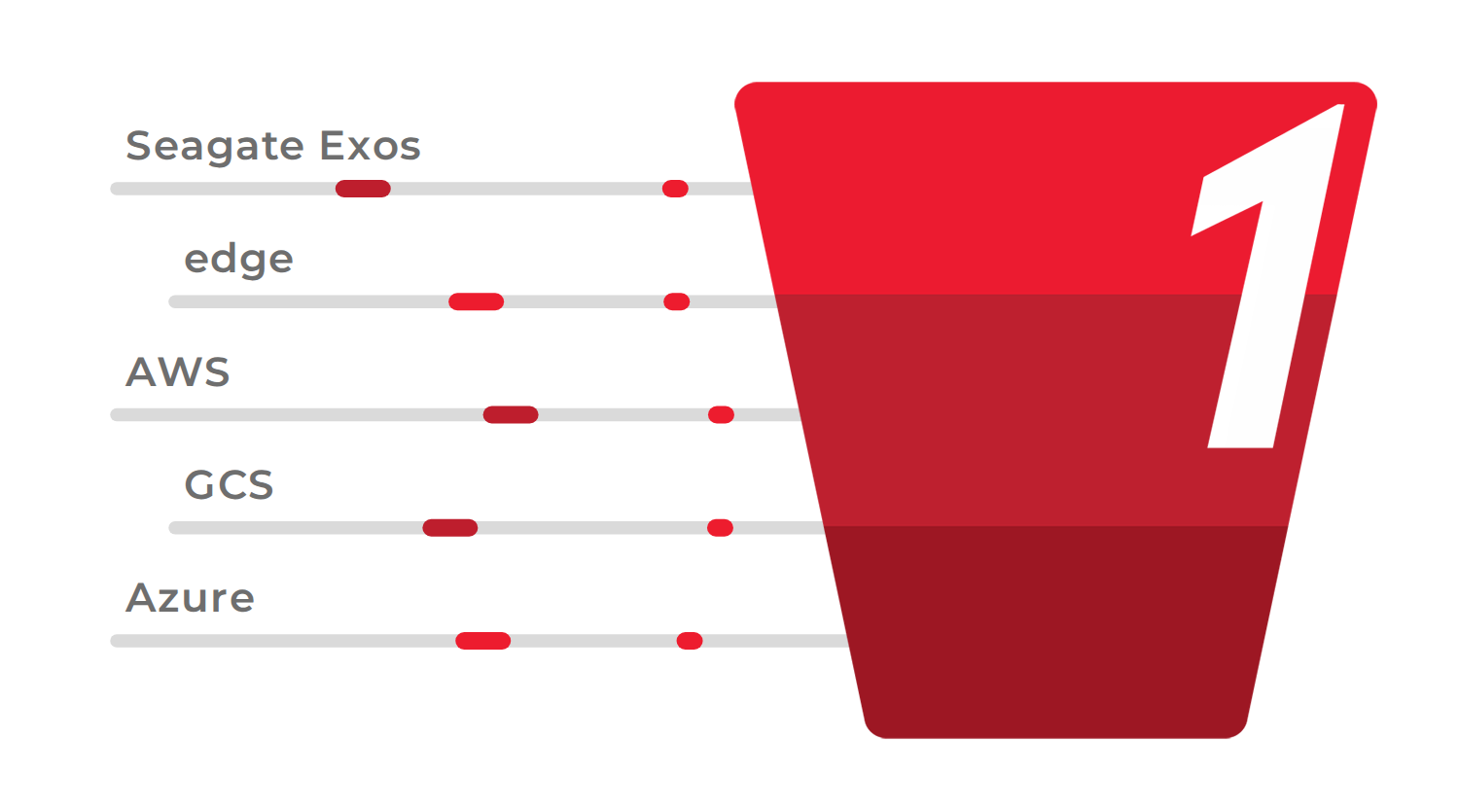
This is the layer we built, so I'll be direct about what it does. OneBucket presents one namespace across on-prem, cloud, and edge storage. Applications and agents make standard S3 or MCP calls. OneBucket figures out where each request should be served from, with caching near compute, so there's no copy to make and no migration to plan.
It runs where you need it: on-premises, in your VPC, or fully air-gapped. It's built on the Adaptive Data Fabric™, which keeps the data in place and lets policy decide how it's reached. The point is that your application code stops caring where the bytes physically sit.
Who Changed What: lakeFS
lakeFS gives data the discipline code has had for decades. Teams branch a dataset, test changes in isolation, commit them atomically, and roll back instantly when something breaks. Write-Audit-Publish gates stop bad data before it ever reaches a model. Anyone who has debugged a model that was trained on a silently corrupted dataset knows why that matters.
lakeFS Enterprise adds lineage, role-based access, and an audit trail. The Summer 2026 release goes further, with object-level access control based on metadata and an audit trail stored as a queryable Iceberg table, so your compliance team can actually query it instead of grepping logs.
Why Three Layers, Not One
I've watched vendors try to collapse all of this into a single product, and it never holds up. Each concern belongs to one layer:
- Seagate Exos owns where data sits.
- OneBucket™ owns placement and access.
- lakeFS owns what changed and who changed it.
The detail I'd underline: lakeFS reaches storage through OneBucket. So the same control plane works whether the bytes are on Exos in your data center or in AWS S3, Google Cloud Storage, or Azure. You can change where data lives, and your governance doesn't change with it. In my experience that's the thing that makes an architecture survive contact with a reorg or a cloud contract renegotiation.
Proven, Not a Diagram
We didn't stop at a whiteboard. We ran it end to end. The proof of concept validated branching and zero-copy commits against OneBucket-backed storage: branch, commit, roll back, with the data never moving.
The sample is public and runs in Docker. Run it yourself: lakefs-onebucket in lakeFS-samples.
Why This Matters Now
Agents changed the math. A human analyst reads a dataset once and moves on. An agent reads continuously, at machine speed, across every source it can reach. That makes the copy-first pattern worse every month: more copies, more pipelines, more questions from security, and more surface area for something to go wrong.
The alternative is simple to say and, it turns out, practical to do. Leave the data where it is. Reach it through one access layer. Keep one record of what changed.
Where to Start
Pick one dataset your AI team wants and your risk team says can't move. That one. Then:
- Run the sample. The lakeFS + OneBucket POC is end-to-end runnable in Docker. Point it at your dataset and watch branch, commit, and rollback happen without a single byte moving.
- Get a OneBucket account. Request one here. You'll get the S3 endpoint the sample expects.
- Read the full architecture. The lakeFS write-up covers the validation in detail, including the interoperability notes you'll want before you start.
- Talk to us. If you want help mapping this onto your environment, I'd rather spend an hour on a real dataset than a week on slides. Reach us at onebucket.io.